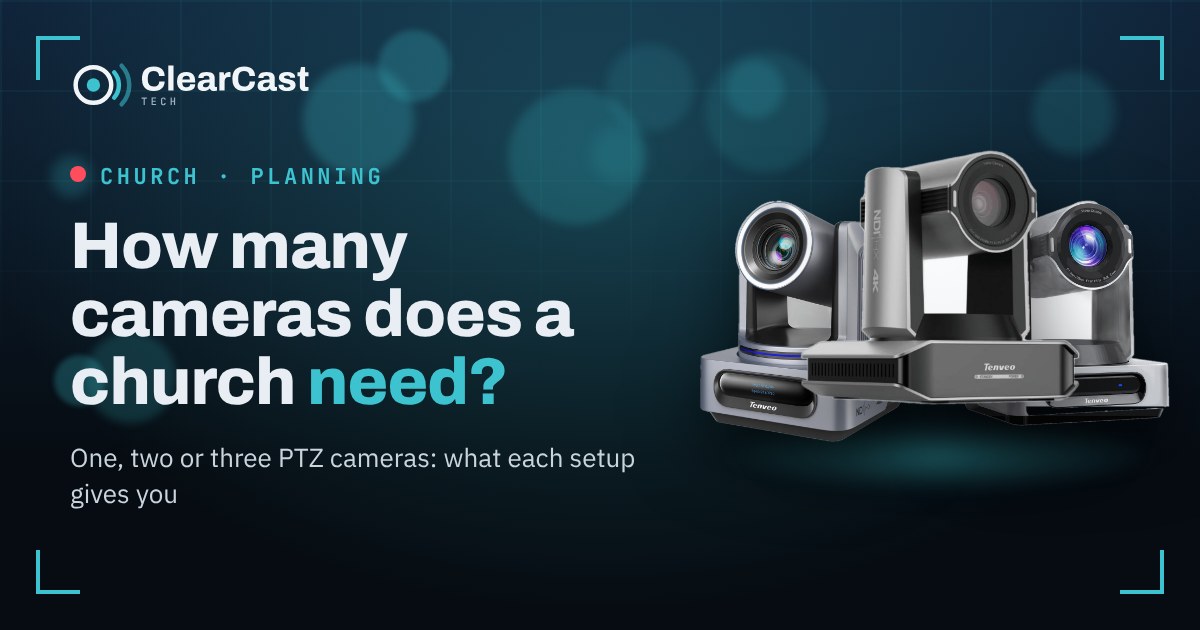
Most churches use two PTZ cameras: one at the back for the wide shot and pulpit close-up, and one at the side or front for the worship team or congregation, so the stream can cut cleanly between angles. One camera with presets and AI tracking is a good start for small churches; three cameras suit large sanctuaries and churches with a trained media team.
Updated
It's one of the first questions churches ask us. The honest answer is that it depends on your room and how many people you have to run it, but most churches end up with one of three setups. Here's what each one gives you.
One camera: a solid start
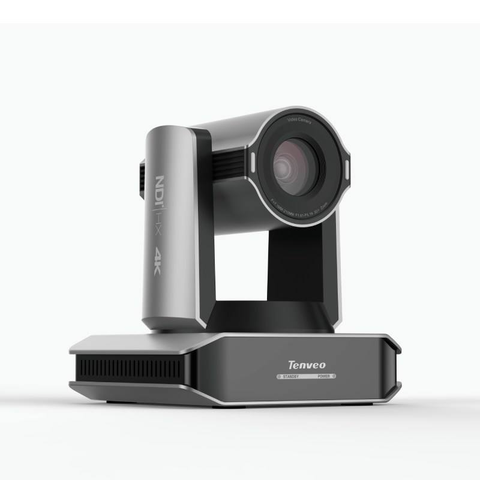
A single PTZ camera at the back of the room can give you a wide shot of the whole stage and, with presets, a close-up of the pulpit. With AI tracking, the camera can follow the preacher on its own. If you start with one camera, make it a good one: an X60 stays your main camera when you add a second later.
- Good for: smaller churches, a first stream, or a tight budget.
- The catch: viewers see the camera move between shots, because there's no second angle to cut to.
Two cameras: the most common setup
Two cameras let you cut cleanly between shots, so viewers never see a camera move. A typical layout is one camera at the back for the wide and pulpit shots, and a second at the side or front for the worship team, choir or congregation.
- Good for: most churches with a weekly stream. It's the setup we recommend most often.
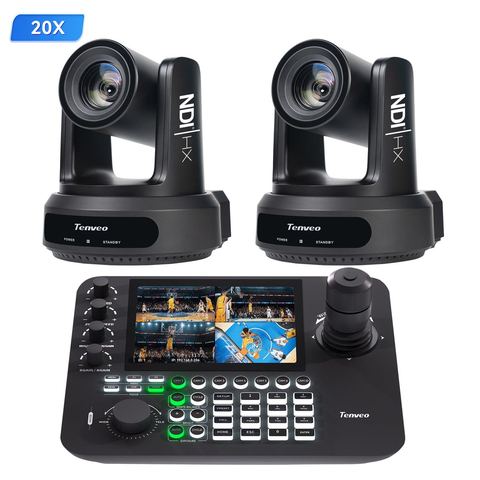
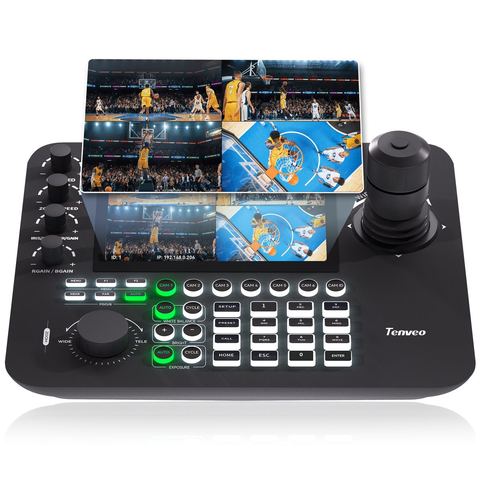
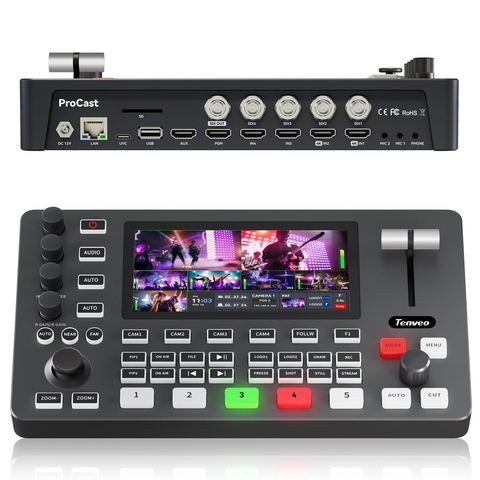
- What you need: two PTZ cameras, a joystick controller or software to move them, and a switcher or streaming software such as vMix or OBS.
- Our pick: our flagship Tenveo X60 for the main camera at the back. Its 30x zoom and large sensor give a sharp pulpit close-up from a distance, even in a dim sanctuary. Pair it with a second X60, or a VX20M-4KN if budget is tight.
Three cameras: a full production
A third camera adds a dedicated angle: a tight shot of the worship leader, the band, a baptism pool or the congregation. This suits larger sanctuaries, conferences and churches with a trained media team.
- Good for: large rooms, multiple stages, or services with a lot happening at once.
- What to watch: more cameras means more to run. A controller with a multi-camera preview, such as the KB500 or KB300PRO, makes it manageable for one person.
What decides it for your church
- Room size and distance. The further the camera is from the stage, the more zoom you need. Our zoom and distance guide shows what 20x and 30x cameras can see from 10 to 30 m.
- Who's running it. If one volunteer runs sound and stream together, fewer cameras with saved presets and AI tracking work better than more cameras.
- Where the cameras connect. Long cable runs to a sound booth suit NDI over a network cable or 3G-SDI. See SDI, HDMI, USB or NDI?
- Room to grow. Start with two cameras on a system that can take a third later, rather than replacing everything when you expand.
Ready-made kits
If you want everything matched, our two- and three-camera kits come with the cameras and a controller that work together out of the box. See the two-camera 20x kit, the two-camera 30x kit and the three-camera 4K60 kit.
Not sure? Send us your room
WhatsApp 071 748 2830 with a photo of your room taken from where the camera would go, the distance to the stage, and the software you use. We'll recommend a setup and send a formal quote in rand. For the full equipment list, read How to livestream a church service.
Need help with your Tenveo equipment?
WhatsApp 071 748 2830 or email support@clearcasttech.co.za with your serial number.