A reliable church livestream comes down to five things: cameras, audio, a way to switch between shots, an internet connection that holds up, and power that stays on. This checklist covers each one, with the questions South African churches should ask before spending money.
Start with what you want the stream to do
Before choosing equipment, agree on three things with your leadership:
- Who is watching. Members who are sick or travelling need a clear view of the preacher and good sound. Reaching new people needs a more polished stream: several angles, lyrics on screen, and a short clip for social media afterwards.
- Who will run it. Most churches run the stream with volunteers who change from week to week. Choose equipment one person can run after a 30-minute handover.
- Where it goes. YouTube, Facebook or both. Streaming to two platforms at once needs either a switcher that can do it (the PC500 can) or streaming software on a computer.
1. Cameras
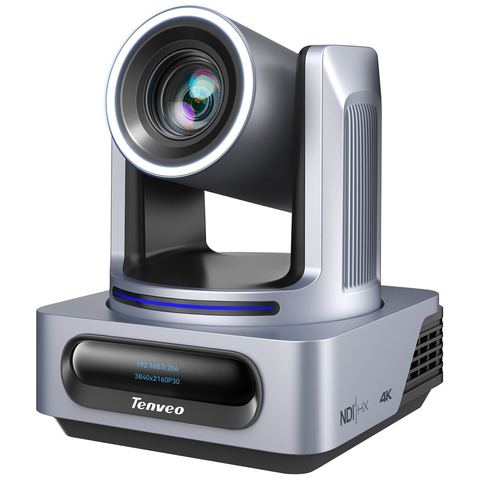
A PTZ camera (pan, tilt, zoom) is mounted on a wall or shelf and controlled remotely, so nobody has to stand behind it in the aisle. Tenveo's PTZ cameras also have AI tracking: the camera follows the preacher as they move, without an operator.
- One camera is enough for a small church: a wide shot of the stage that tracks the preacher during the sermon.
- Two cameras is the most common setup: one tracking the preacher, one wide shot of the worship team and congregation.
- Three or more suits larger churches that want close-ups of musicians, baptisms or the audience.
How far the camera sits from the stage decides how much zoom you need. Our zoom and distance guide works this out with real numbers.
2. Controlling several cameras
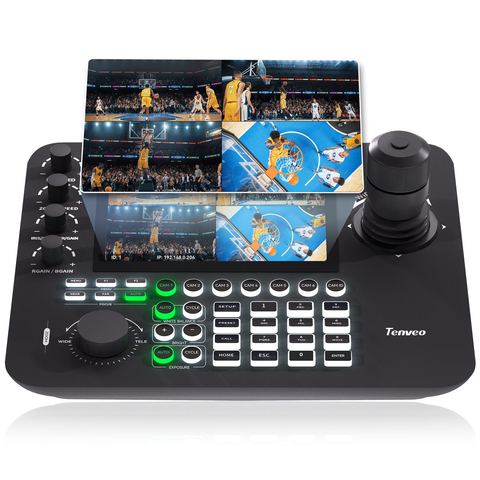
With more than one PTZ camera, a joystick controller lets one volunteer move cameras and recall saved positions ("presets"): the pulpit, the worship leader, the baptistry. Controllers with a screen show what each camera sees, which makes a big difference for new volunteers.
- KB200MAX: 5" screen, good for one or two cameras.
- KB300PRO: 7" screen showing four cameras at once.
- KB500: 7" touchscreen, groups of cameras, tally lights.
3. Switching and streaming
Something has to choose which camera goes live and send the stream to YouTube or Facebook. You have two options:
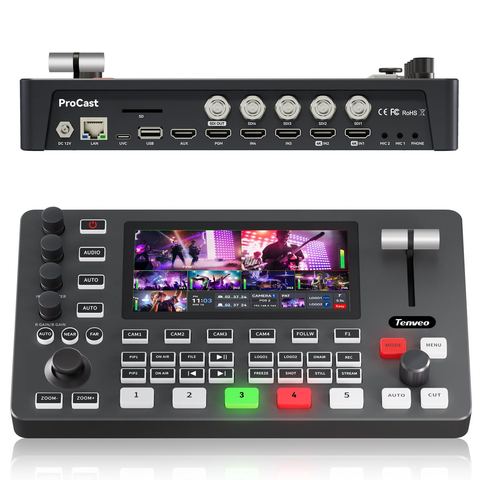
- A hardware switcher such as the PC500 does it all in one box: switching, streaming to two platforms, recording and adding your logo. There's no computer to crash or update on Sunday morning.
- A computer with software such as OBS Studio (free) or vMix. This is more flexible for lyrics and graphics, but needs a capable computer and someone comfortable with the software.
4. Audio: the part viewers notice first
People will watch a slightly soft picture, but they switch off when the sound is bad. Never stream using the camera's built-in microphone. Take a feed from your sound desk instead (an auxiliary or matrix output), and ask your sound team for a separate stream mix. The mix that sounds right in the room usually has too little vocal and too much bass for people listening on phones.
5. Internet upload speed
Streaming depends on upload speed, not the download speed your provider advertises. YouTube recommends a video bitrate of about 10 Mbps for a 1080p stream at 30 frames per second, and your connection needs headroom above that. As a guide:
- Plan for a stable upload of at least 15–20 Mbps for a 1080p stream. Symmetrical fibre is the best choice in South Africa.
- Use a network cable to the streaming device, not Wi-Fi.
- Run a speed test at the time of your service, from the building, not from someone's home.
- If your fibre is unreliable, an LTE or 5G router can act as a backup connection.
6. Power cuts
Power cuts or load shedding during a service will end the stream unless the key equipment is on backup power. Put the switcher or streaming computer, the network switch, the router and your fibre box (ONT) on a UPS or inverter. PoE cameras take their power from the network switch, so if the switch stays on, the cameras stay on too. Ask your installer to size the UPS for the length of a full service.
7. Cabling
Cable runs in churches are often 30 m or more, from the back wall to the sound desk. That rules out HDMI for most camera positions. SDI and network cable (NDI) both handle long distances. NDI with PoE carries video, control and power on a single cable. Our connections guide explains the differences.
8. People, privacy and licences
- Tell the congregation. Put up a notice at the entrance that services are filmed and streamed. Under POPIA, people should know how their image is used. Keep children's ministry and pastoral moments, such as prayer ministry, out of shot.
- Music licences. Streaming worship songs usually needs a licence as well as your usual copy licence. Check with your licensing body, for example CCLI's streaming licence, before your first stream.
- Write down the setup. A one-page checklist at the desk (power on order, presets, stream key, who to call) means any volunteer can run the service.
Example setups
- Small church, one volunteer: one VX20M-4KN with AI tracking, a sound desk feed, and OBS on a laptop.
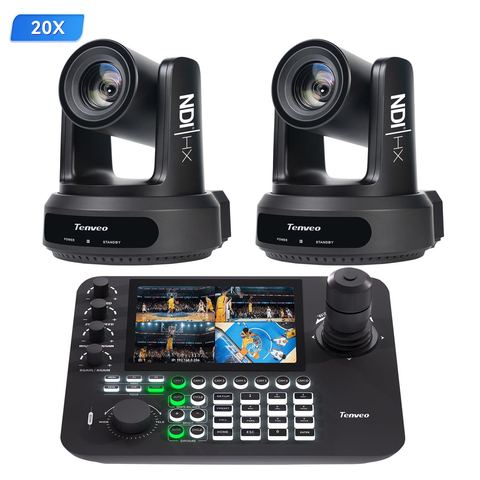
- Mid-size church, two angles: the two-camera 20x NDI kit (two cameras and a KB300PRO controller), a PoE switch and the PC500 switcher.
- Large church or production team: the three-camera 4K60 kit or the new X60, with the KB500 controller and PC500.
Want a second opinion on your setup?
Send us your room measurements and what you stream to, and we'll recommend a kit and quote it in rand.